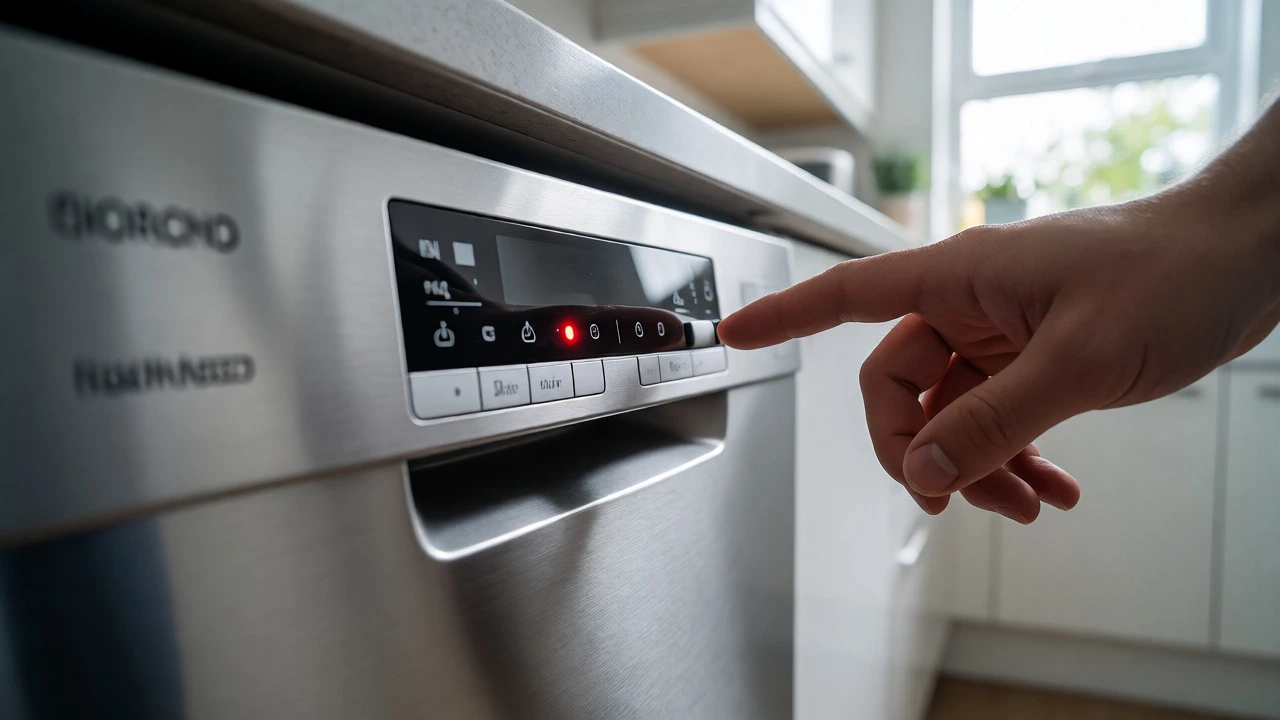
Dishwasher Troubleshooter & Reset Guide
Step 1: Identify the Problem
Select the error code or symptom displayed on your machine.
Step 2: The Hard Reset
Cut power completely to clear electronic memory.
Wait for timer to finish.
- Turn off via panel button.
- Unplug from wall OR flip circuit breaker.
- Wait 60 seconds (capacitors discharge).
- Plug back in / Flip breaker ON.
- Firmly close door.
- Run short cycle with light load.
Step 3: Physical Checks (If Reset Fails)
Before calling a technician, verify these mechanical components.
Complete checks above to improve score.
You’re standing in your kitchen, staring at a blinking light or a machine that’s stopped dead mid-cycle. It’s frustrating, especially when you have a pile of dirty dishes waiting. Before you call a technician and pay a call-out fee, there is one simple trick that fixes about 30% of dishwasher glitches: the hard reset. This isn’t just turning it off and on again; it’s clearing the electronic brain of the machine to remove temporary software errors.
Dishwashers are essentially small computers with pumps and heaters. When they encounter an unexpected condition-like a power surge, a blocked sensor, or a door latch glitch-they often enter a "safety lock" mode. A reset clears this state. Here is how to do it properly, why it works, and what to check if the reset doesn’t stick.
The Quick Power Cycle Method
This is the first thing you should try. It takes two minutes and requires no tools. Most modern dishwashers use electronic control boards that can get stuck in a loop if they detect a minor fault.
- Turn the dishwasher off using the power button on the front panel.
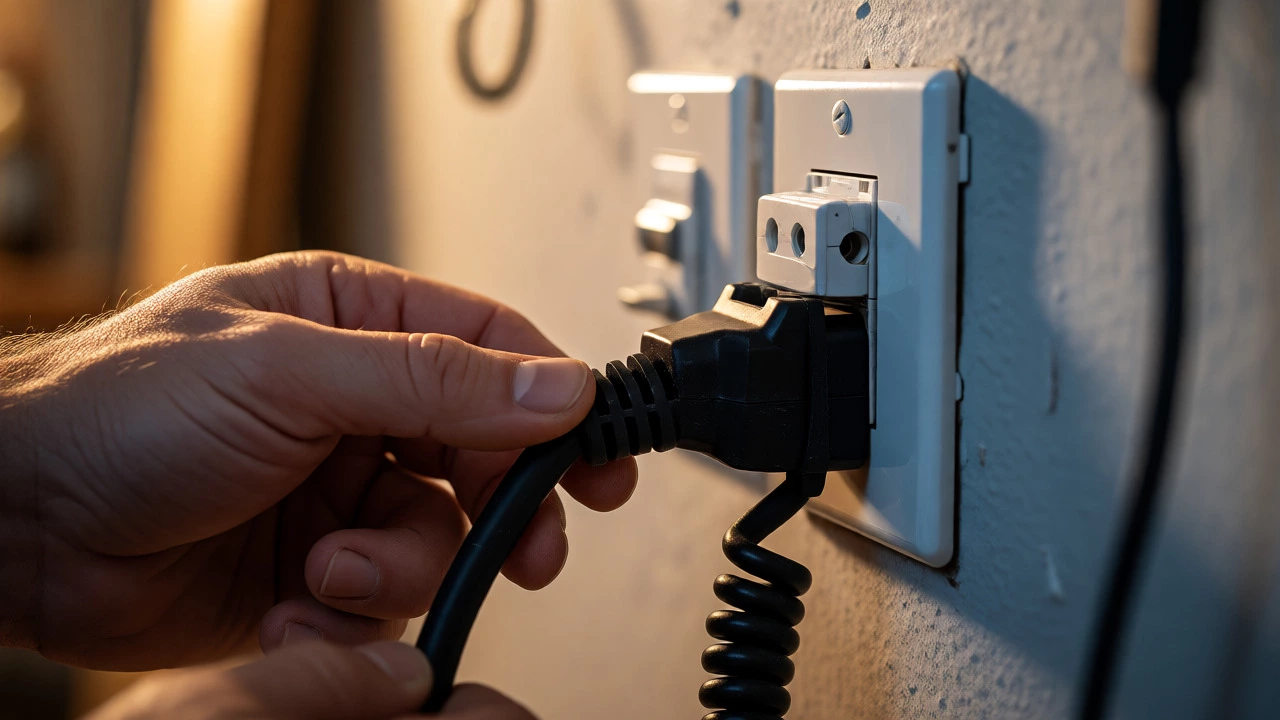
- Unplug the unit from the wall outlet. If it’s hardwired (common in Australia), go to your switchboard and flip the circuit breaker labeled "Kitchen" or "Dishwasher" to the OFF position.
- Wait for 60 seconds. This is crucial. Capacitors inside the control board hold a charge even after unplugging. Waiting allows them to discharge fully, ensuring the memory is completely wiped.
- Plug it back in or flip the breaker back on.
- Open and close the door firmly. Sometimes the latch sensor needs a physical nudge to register correctly.
- Select a short cycle (like Rinse or Express) and start the machine. Do not load heavy pots yet; test with a light load first.
If the error code disappears and the machine starts running water, you’ve likely cleared a transient glitch. If it stops again after a few minutes, the problem is mechanical or persistent, and a simple reset won’t fix it permanently.
Understanding Error Codes Before You Reset
Not all dishwashers blink randomly. Many display specific alphanumeric codes that tell you exactly what went wrong. Resetting without knowing the cause is like taking painkillers for a broken leg-it masks the symptom but ignores the injury.
| Code Type | Typical Meaning | Reset Effectiveness | Next Step |
|---|---|---|---|
| E1 / F1 | Water Supply Issue | Low | Check tap valve and inlet hose kinks. |
| E2 / F2 | Drainage Failure | Medium | Clean filter and check drain hose for clogs. |
| E4 / F4 | Overfilling / Leak Detected | High | Check float switch and door seal integrity. |
| F7 / E7 | Control Board Glitch | High | Hard reset usually resolves this. |
| Door Lock Error | Latch Sensor Fault | Medium | Clean latch area; may need part replacement. |
In Brisbane, where humidity is high, moisture can sometimes corrode the contacts in the door latch assembly. If your dishwasher shows a door lock error, a reset might work temporarily, but you’ll likely need to clean the latch mechanism with isopropyl alcohol or replace the microswitch eventually.
When a Hard Reset Isn't Enough: The Factory Reset
Sometimes, user settings get corrupted. Maybe you accidentally changed the rinse aid dosage or enabled a child lock you didn’t intend to. A factory reset restores all settings to default. Note that this varies wildly by brand, so check your manual. However, here are common sequences for major brands:
- Bosch: Press and hold the "Start" button while turning the dial to a specific program (often Program 5). Hold for 3-5 seconds until lights flash.
- Miele: Turn the selector to "Off," press and hold the "Finish" button, then turn the selector to "Normal." Keep holding for 5 seconds.
- LG: Press and hold the "Power" and "Delay Start" buttons simultaneously for 3 seconds.
- Samsung: Press and hold the "Rinse" and "Dry" buttons together for 3 seconds while the machine is off.
A factory reset deletes custom cycles and saved preferences. Don’t skip the hard reset step first; only go this route if the basic power cycle fails to clear persistent software oddities.
Physical Checks That Mimic a Reset
Before blaming the electronics, rule out physical blockages. A dishwasher can throw an error because it physically cannot complete a task, triggering the computer to halt. Cleaning these areas often solves the problem without needing a digital reset.
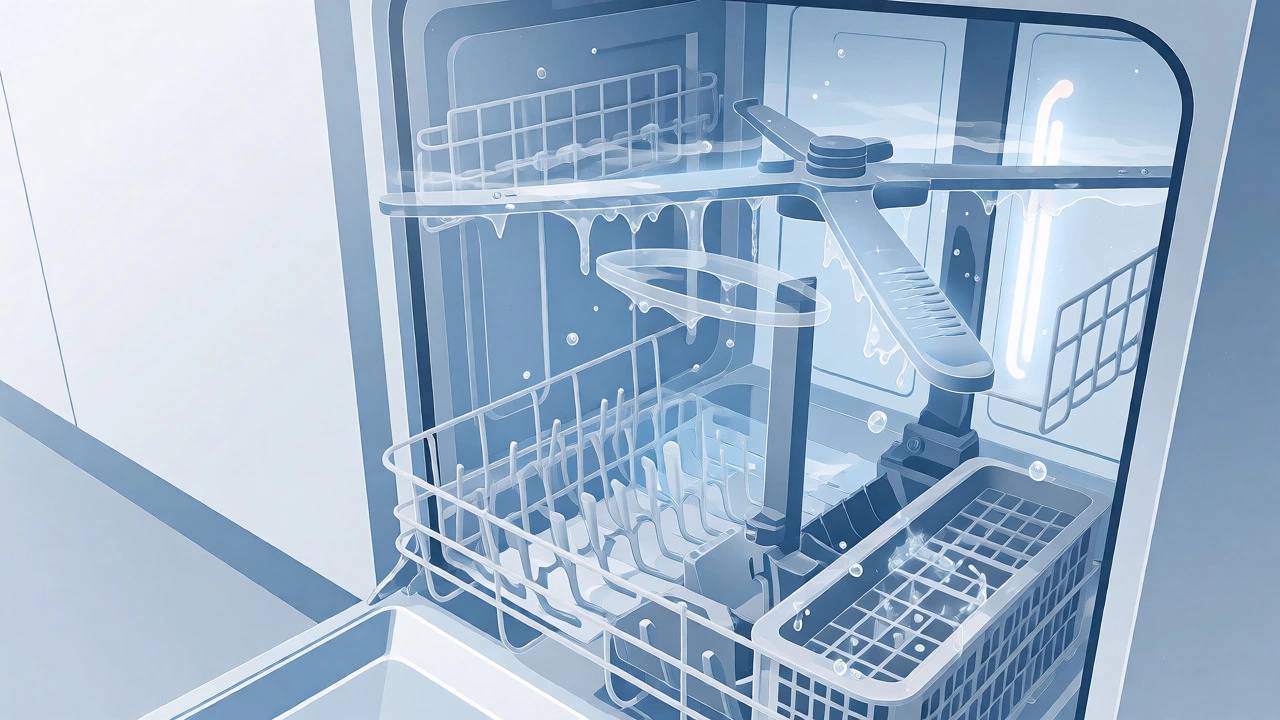
The Filter System: This is the number one culprit. In most models, the coarse filter sits at the bottom of the tub. Remove it and rinse it under hot water. Use a soft brush to scrub away grease and food particles. If the mesh is clogged, the pump strains, overheats, and shuts down. Clean this monthly.
The Drain Hose: Check the hose under your sink. Is it kinked? Is it positioned too high? Dishwashers rely on gravity or a pump to expel water. If the hose loops up higher than the drain connection point, water can siphon back into the machine, causing a "drain error." Ensure the hose has a high loop secured under the countertop to prevent backflow.
The Spray Arms: Spin the upper and lower spray arms by hand. They should rotate freely. If they’re stuck, something is blocking them-maybe a tall plate or a utensil basket. Also, inspect the holes in the arms. Mineral deposits from hard water (common in parts of Queensland) can clog these jets. Soak the arms in vinegar if they look crusty.
Troubleshooting Specific Symptoms After a Reset
You performed the reset. What happens next tells you what’s actually broken.
Symptom: The machine resets fine but won’t fill with water.
The issue is likely external. Check the water supply valve under your sink. Is it fully open? Inspect the inlet hose screen (a tiny mesh filter where the hose connects to the machine). Debris from old pipes can block this. Unscrew the hose, pull out the screen, and clean it.
Symptom: It fills but doesn’t drain.
The reset cleared the error, but the pump is still struggling. Listen for a humming noise. If you hear humming but see no water moving, the pump impeller might be jammed by a chicken bone or glass shard. Open the filter area and carefully reach in (wear gloves!) to feel for obstructions. If the pump is silent, the motor itself may have failed.
Symptom: It runs but leaves dishes wet or cold.
This isn’t usually fixed by a reset. It points to a heating element failure or a faulty thermostat. Check if the rinse aid dispenser is empty. Modern dishwashers rely heavily on rinse aid for drying performance. If the liquid is gone, top it up. If it’s full and dishes are still wet, the heater might be burnt out-a job for a pro unless you’re comfortable testing continuity with a multimeter.
Preventing Future Resets: Maintenance Tips
You shouldn’t have to reset your dishwasher every month. Regular maintenance keeps the sensors clean and the mechanics smooth.
- Run a cleaning cycle: Once a month, run an empty hot cycle with a cup of white vinegar on the top rack or a specialized dishwasher cleaner. This breaks down grease and limescale buildup on sensors and heaters.
- Scrape, don’t pre-rinse: Modern enzymes in detergent work best on food residue. Pre-rinsing washes away the dirt the enzymes need to eat. Just scrape large chunks into the bin.
- Leave the door ajar: After a cycle, crack the door open slightly. This lets moisture escape, preventing mold growth on seals and keeping the interior dry. Mold can interfere with humidity sensors.
- Check the salt: If you live in a hard water area, ensure the built-in water softener reservoir is filled with dishwasher salt. Low salt levels can trigger warning lights that look like errors.
When to Call a Professional
A reset is a diagnostic tool as much as a fix. If you perform a hard reset, wait 24 hours, and the same error returns immediately upon starting a new cycle, the problem is hardware-related. Common components that fail include:
- Control Board: Burnt traces or relay failures require soldering skills or replacement.
- Heating Element: If it snaps or shorts, it needs replacing.
- Water Level Float Switch: If the plastic float gets stuck, the machine thinks it’s overflowing and shuts down.
- Leak Tray: Some machines have a safety tray underneath. If a leak triggers a float in this tray, the machine locks out until the water is dried out and the float is reset manually.
In Australia, labor costs for appliance repair can range from $150 to $250 per hour. For older machines (over 8 years), weigh the repair cost against buying a new unit. Energy efficiency standards have improved significantly since 2018, meaning a new model could save you money on water and electricity bills over time.
Can I reset a dishwasher while it is running?
Yes, but it depends on the model. On many machines, pressing and holding the "Cancel" or "Drain" button for 3-5 seconds will stop the current cycle and return the machine to standby. This is a soft reset. For a hard reset, you must cut power via the plug or breaker.
Why does my dishwasher keep resetting itself?
If the machine restarts its cycle unexpectedly, it indicates a failing control board or a loose wiring connection. Intermittent power loss due to a faulty outlet or internal wiring can also cause this. Check your wall socket with another appliance to rule out home electrical issues.
Does unplugging the dishwasher damage it?
No, occasional unplugging is safe and recommended for resets. However, avoid doing it repeatedly in quick succession without waiting for capacitors to discharge, as this can stress the electronic components. Always wait at least 60 seconds between unplugging and replugging.
What if the display goes blank after a reset?
A blank display usually means the control board is not receiving power. Check the circuit breaker again. If power is confirmed, the control board itself may have failed. This is a common end-of-life symptom for older appliances.
How long should I wait before trying a second reset?
Wait at least 15 minutes. If the first reset didn’t work, repeating it immediately rarely helps. Use the break time to check filters, hoses, and error codes. If you suspect overheating, let the machine cool down completely (up to an hour) before retrying.